Command your coding agents at terminal speed.
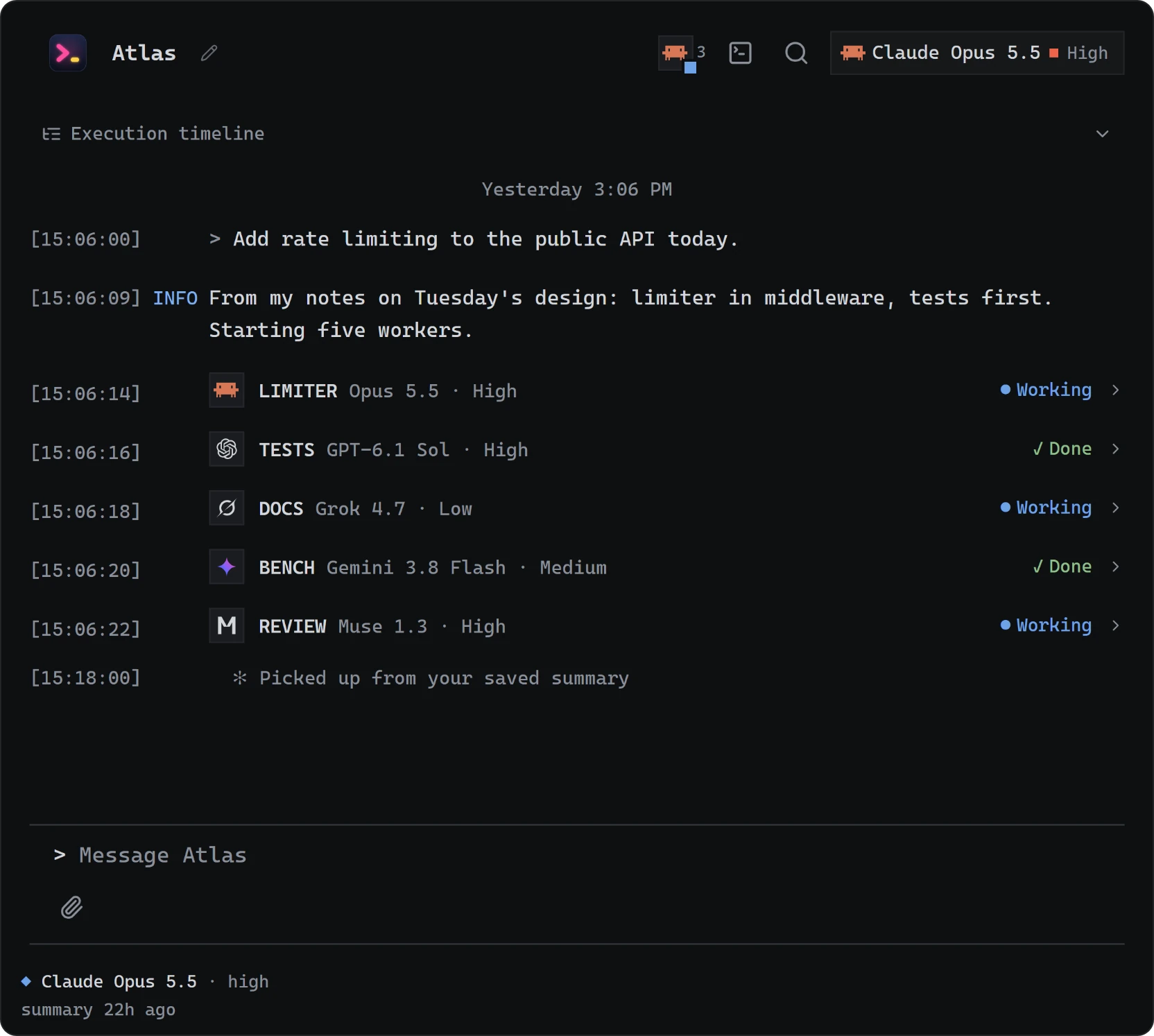
Claude Code, Codex, Gemini, Grok and Muse share your second brain.
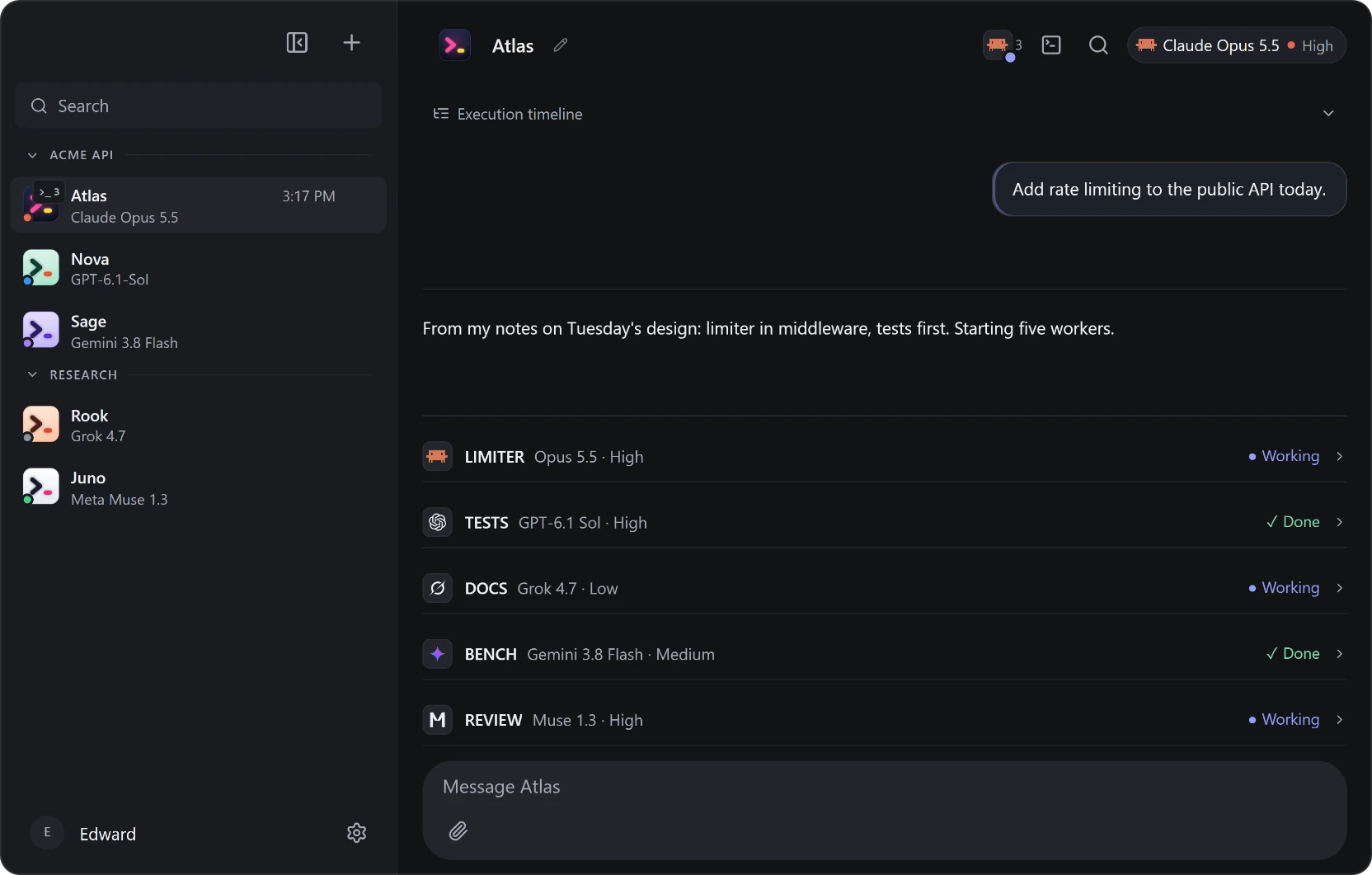
Every coding subscription you pay for
Give each bot its own engine and model. Alt+M switches mid-thread, and the thread carries over.

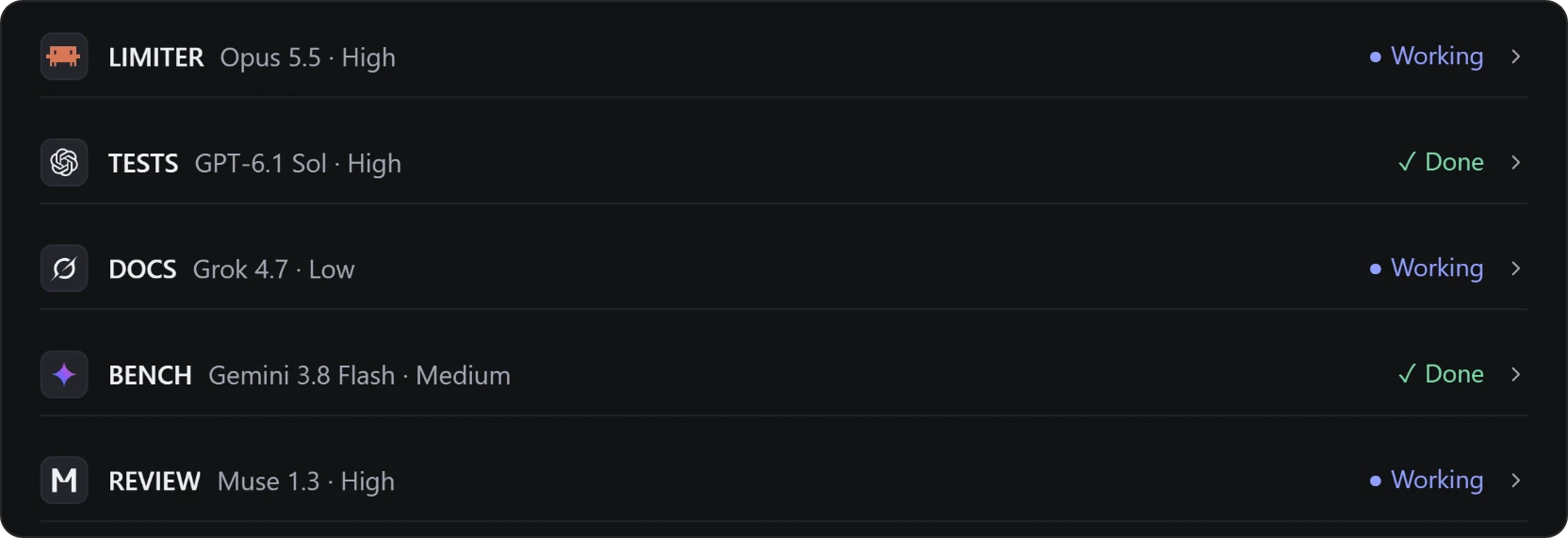
A lead bot runs your workers
Ask once. It splits the job, picks each worker's engine, model and effort, and checks the work before it lands.
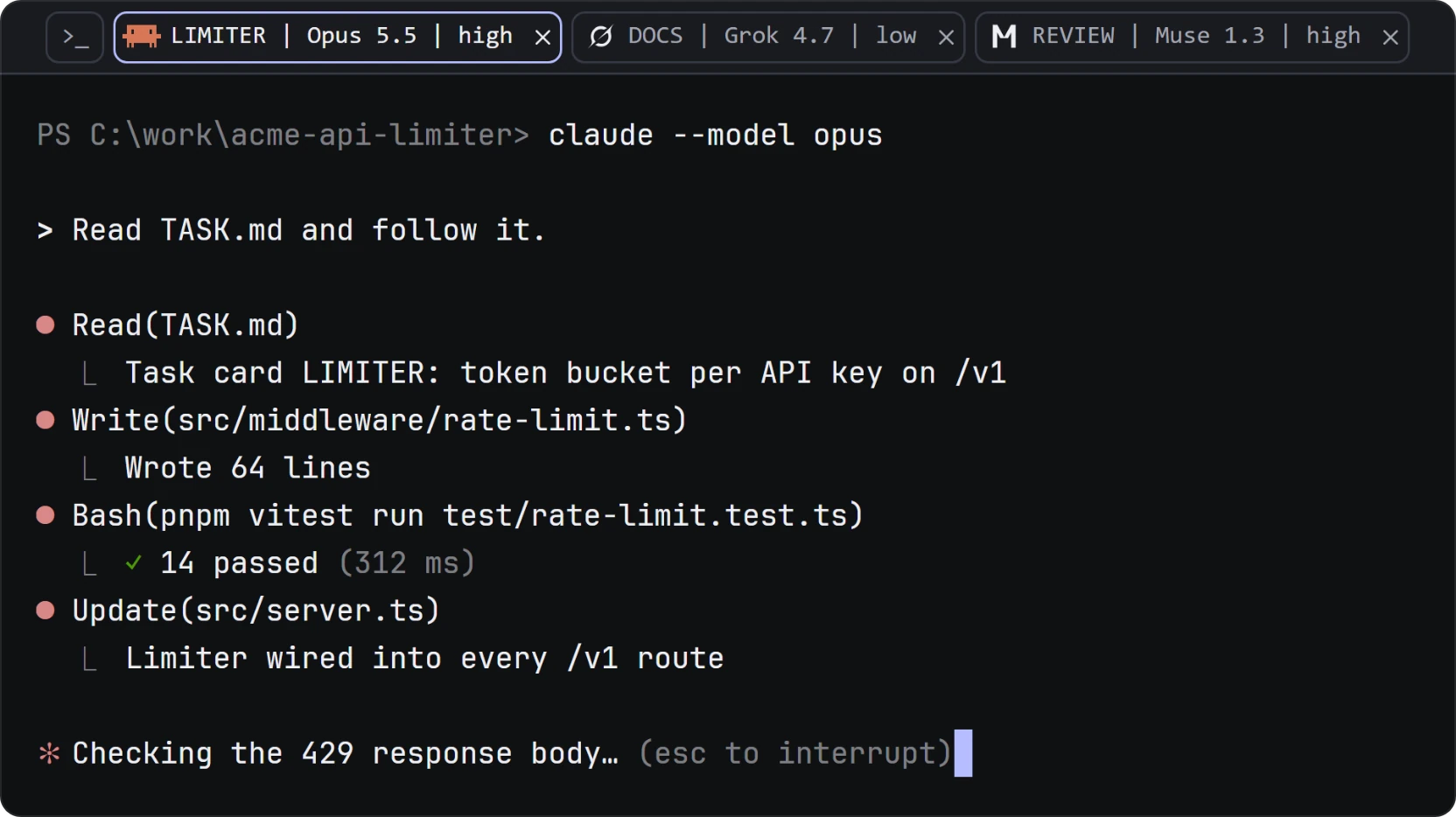
Real terminals, one tab per worker
Each worker runs its engine's own CLI in a separate git worktree. Press Ctrl+` to drive it yourself.
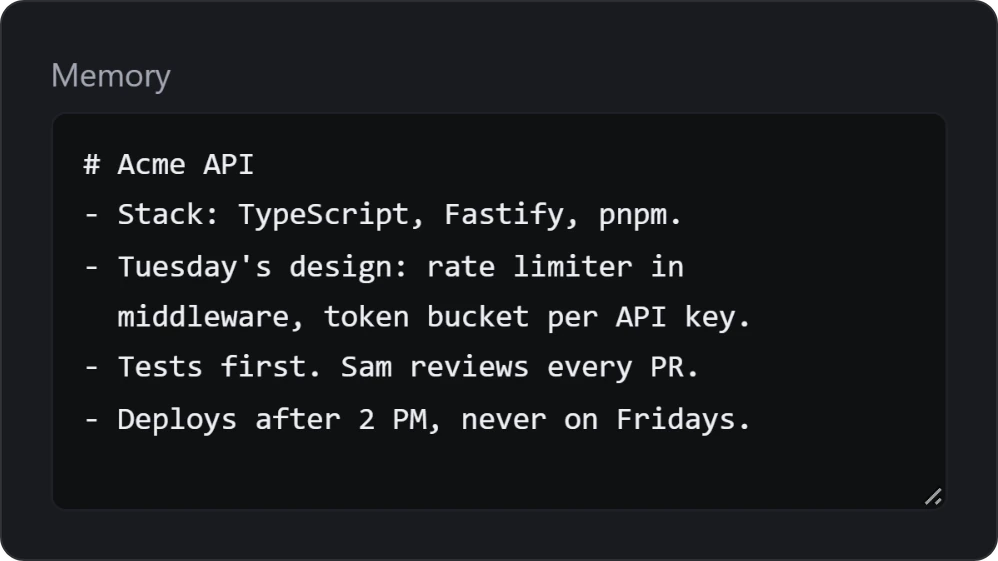
Never loses the plot
One thread per bot. No /compact, no starting over. Each bot's MEMORY.md carries across models, PCs and your phone.
The same chats on your phone
Over your Tailscale tailnet or a relay you host, with a push when a bot needs you.
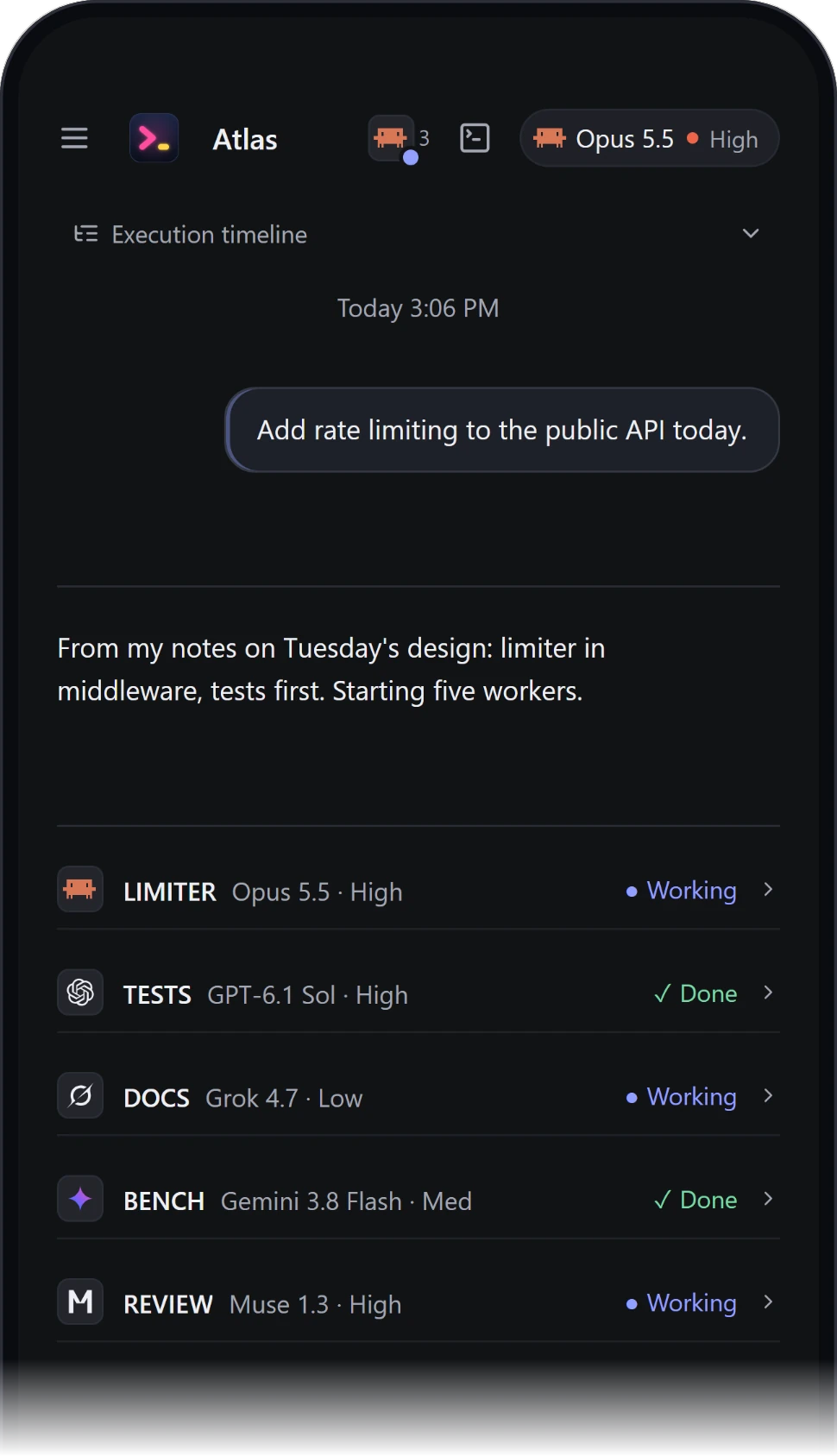
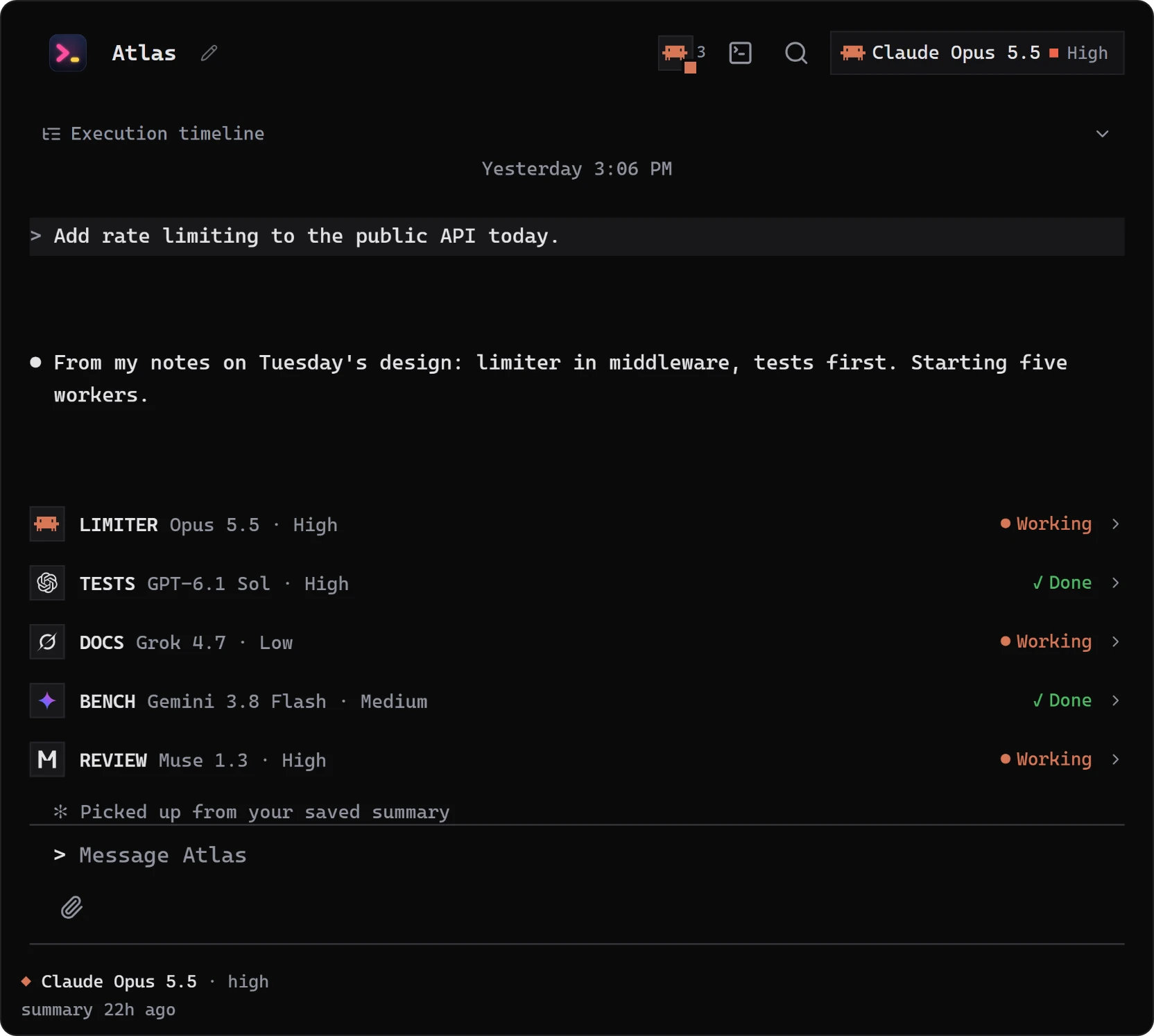
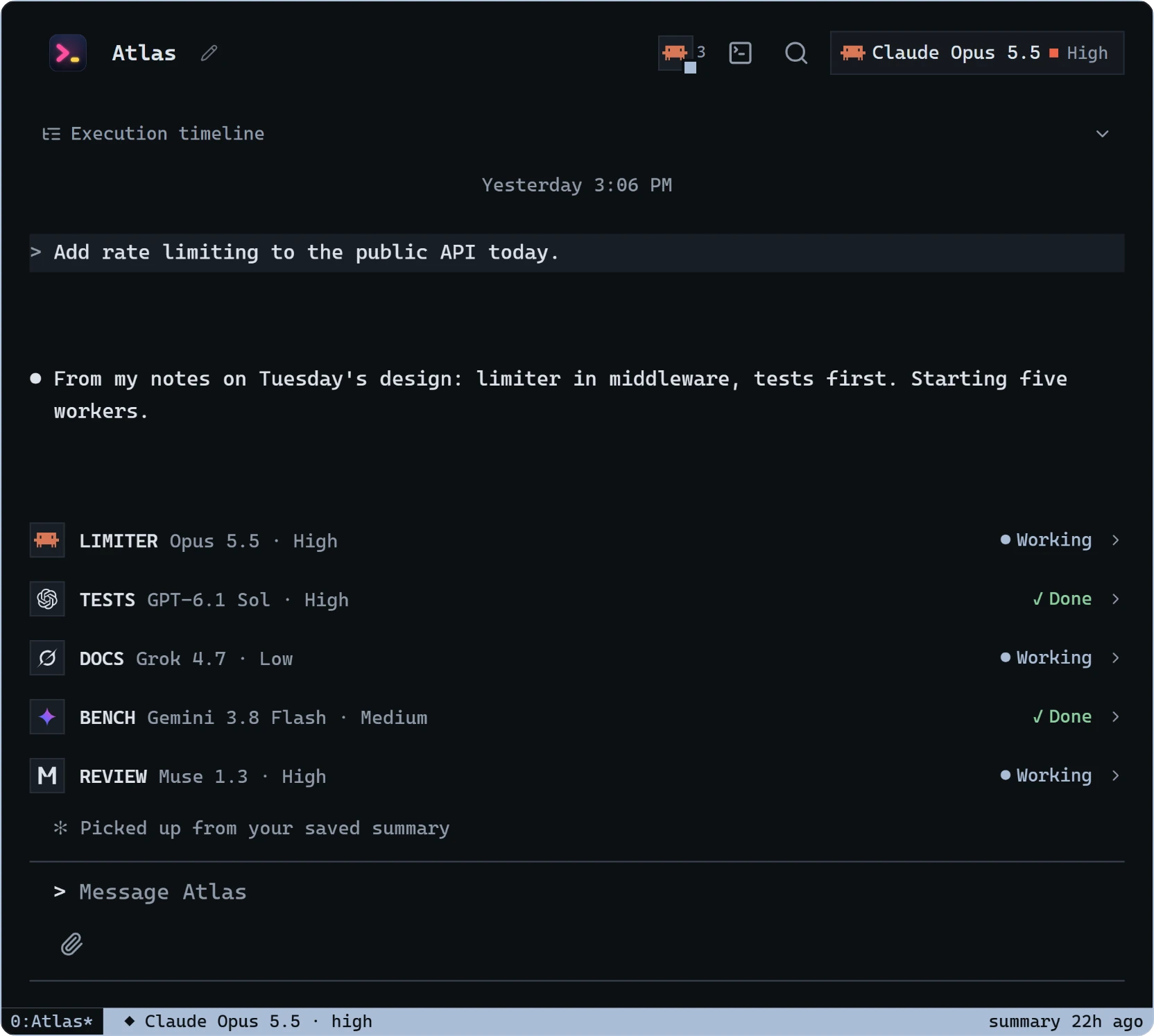
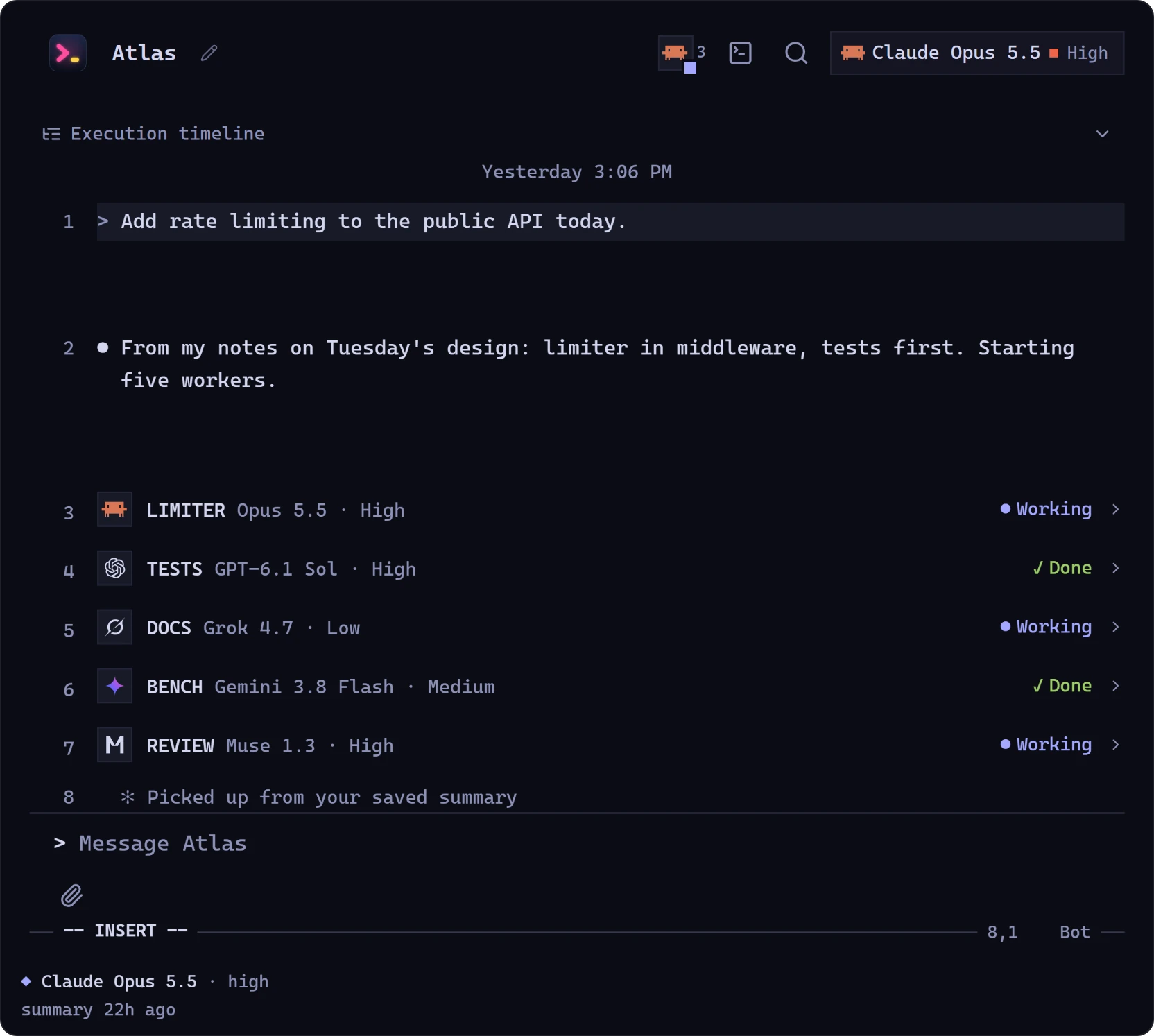
Make it look like your terminal
Themes that make the chat read like a CLI, tmux or vim. Alt+T to pick, Alt+Shift+T to cycle.
Download Wink
Install at least one engine CLI and sign in once. Wink finds the engines on this PC.
The installer isn't code-signed yet, so SmartScreen may say "Windows protected your PC". Choose More info, then Run anyway.